Three Points is a rapid-fire neon reflex arcade game that tests your accuracy and timing. Spin the luminous triangle to align with the hue of each descending ball before it strikes the ring. A single error concludes the game, so remain attentive and respond swiftly. How to Engage: Tap or click to turn the triangle by 120 degrees. Align the upper color with the falling sphere to earn points. Gather unique bonus orbs containing letters for temporary enhancements such as time increase, shield, or score booster.
Mouse click or tap to engage
Tag: Timing
-
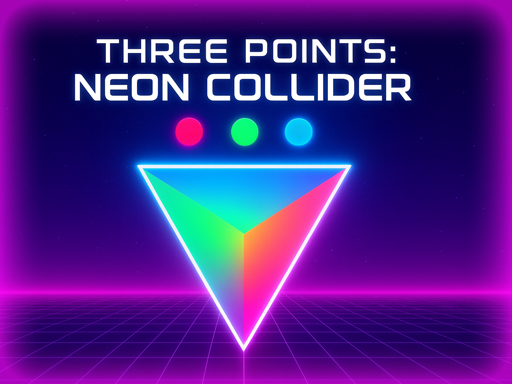
Three Points
-
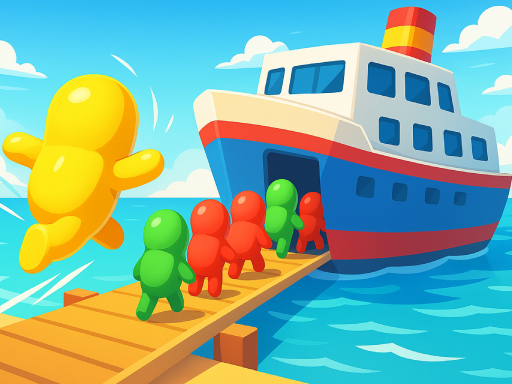
Get On Board
How will you tackle the peak hours while traveling? Give this laid-back and anxiety-reducing crowd-pushing game a shot! Simply tap the screen to begin. See if you can exit before disembarking.
Mouse click or tap to play -
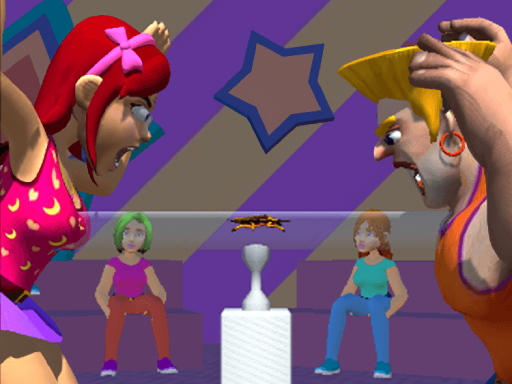
Blow King
Disease infiltrates via the mouth, so blow forcefully! There are various scrumptious dishes on each tier, but here, recall not to consume them.
Mouse click or tap to engage -
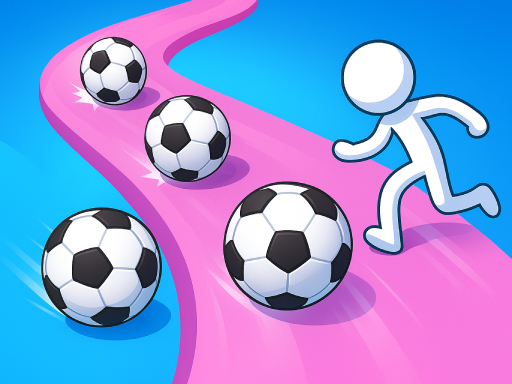
Crazy Kick Ball
Dribble the sphere around opponents, deceive the goalkeeper, and strike! Evade challenges, discover the opening, and net to surpass your high score. Numerous skins are also available in the game. Let’s go, football lad.
Mouse click or tap to engage -
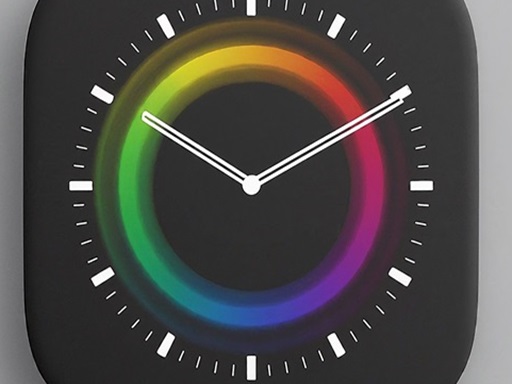
Times Got Color
Match the Hues, Accumulate the Points! Times Got Color is a quick-moving and captivating hue-matching game that challenges your reflexes. In this game, you will encounter a vibrant clock featuring four distinct colors around its edge. As the hands of the clock spin, your objective is to touch the screen precisely when the clock hand aligns with the corresponding color.
Correspond the hue and click at that moment -
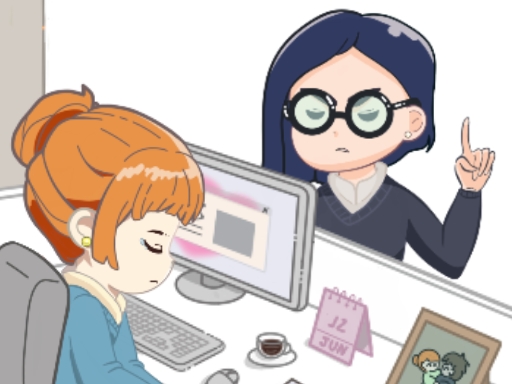
Office Escape to Date
You have an appointment after work, but there’s a twist: you must get prepared without your supervisor noticing! Fulfill your duties, and get set for your engagement before time expires. However, stay alert; if the supervisor shows up, swiftly shut down the activity to prevent being discovered and return to your tasks. How quickly can you slip out of the workplace and be prepared on schedule?
Mouse Only -
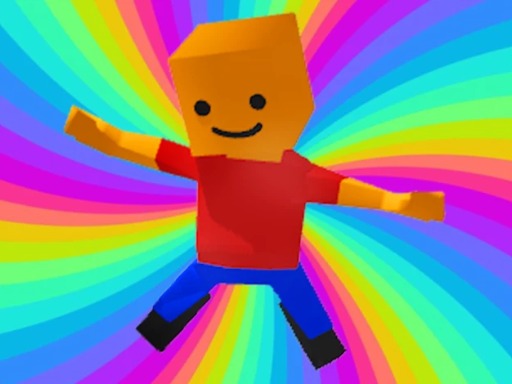
Jumping Obby
Take charge of an obby as it bounds through a realm teeming with platforms and hurdles. Tap to have the obby spring, dodge impediments, and attain greater altitudes. As you advance, the game becomes progressively tougher with increased velocities and more intricate stages. How high can you soar in Jumping Obby?
Tap the screen to leap ahead and strive not to plummet. You can solely advance. Aim to secure high scores. -
Jungle Jump
The objective of the game is to assist the animals in navigating the river securely. Aid them in leaping over the river to a secure location. There are numerous collectibles available. Lives and fruit points are rare among these. Gathering decayed fruits will reduce the size of the wooden paddle. There are several amusing and intriguing power-ups for the paddle. Jungle Jump is a game designed for children featuring adorable characters and humorous sounds. Enjoy your time with your children and their charming animals.
Mouse -
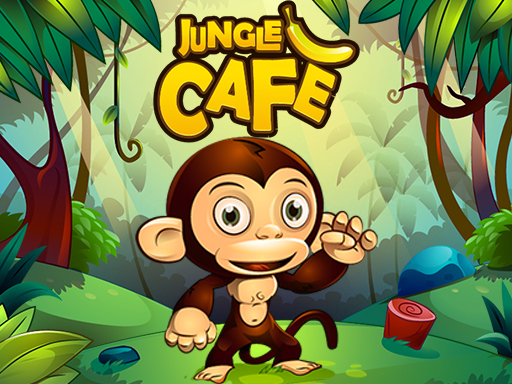
Jungle Cafe
Jungle Cafe is a time management game featuring a jungle dining theme. You must oversee the restaurant by assisting the waiter monkey in serving the customer monkeys and delivering the fruits swiftly as requested by the patrons. Utilize the funds acquired to buy new fruits and incorporate them into the cafe menu. Additionally, you can invest in enhancements for the establishment which boosts customer satisfaction and enables you to generate more revenue.
Use mouse click to engage in the game. -
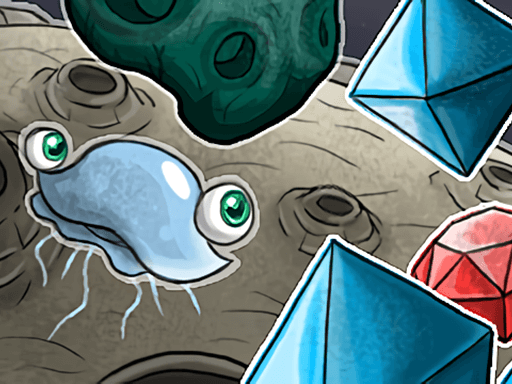
Jelly Haven
Whats superior to do on an alien planet than gathering gems? That’s correct. Dodging meteors! That’s the tale of this amusing jellyfish. Jelly Haven is an action-arcade HTML5 game where you steer a jellyfish traversing through space collecting luminous gems and evading perilous hazards like meteors and rockets. The gameplay becomes increasingly swift as you acquire enhancements from the shop, which aid you in surviving significantly longer. Available in 9 languages: English, Russian, French, German, Italian, Spanish, Portuguese, Turkish, and Romanian.
Click the Left Mouse Button to navigate between the Left or Right side of the display