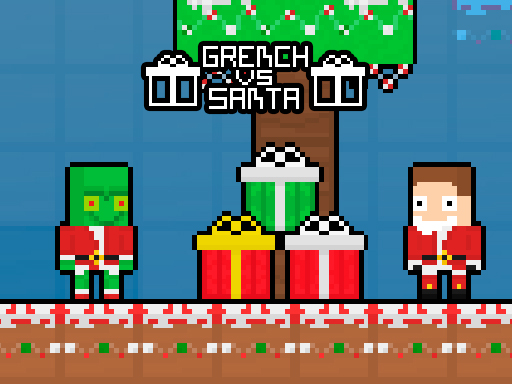
New Years has come, and a frightening New Years creature has emerged! The green New Years creature aims to snatch the present boxes. Before the green creature can seize the boxes, Santa must swiftly retrieve them and place them into the chest. Santa faces a challenging task ahead—he must rapidly gather all the present boxes and secure them in the locked chest. It’s the ideal moment to challenge your friend, outperform them, and triumph in the game!
Utilize the WASD keys and the Arrow Keys to navigate. The player who gathers the most present boxes in the least amount of time wins. Choose one of the 4 distinct hats.
Tag: Block
-
Grench vs Santa
-
Sweetsu Tile Puzzle
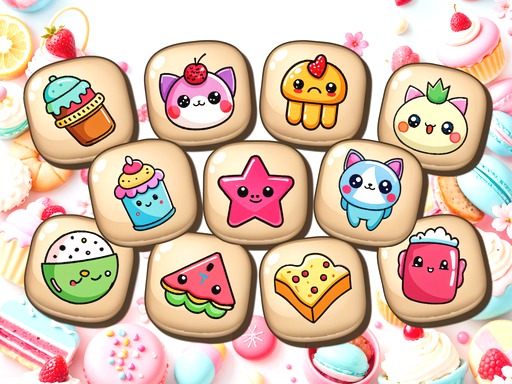
Sweet Tile Puzzle is a soothing yet tactical game. Pair 3 identical Japanese-themed tiles by maneuvering them into a restricted stack. Clear the board by gathering all tiles while utilizing space efficiently. As each level progresses, challenges intensify as the stack diminishes and additional tiles emerge. Can you perfect the skill of tile pairing?
Utilize a mouse or touchpad to engage in this game. -
Xmas Balls
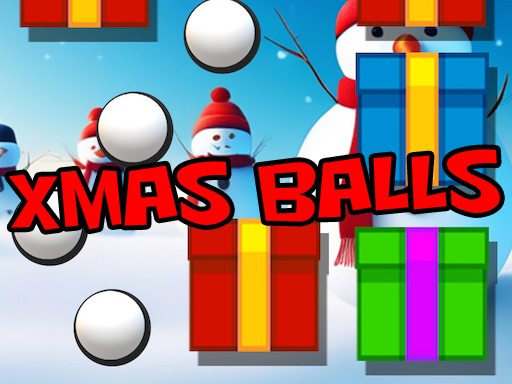
In Xmas Balls, your objective is to target precisely and shoot the descending gift blocks to obliterate them. Each successful hit rewards you with additional balls, enabling you to eliminate even more blocks in your mission to preserve the gifts. However, be cautious— the blocks drop more rapidly as the game advances, so you’ll require swift reflexes and impeccable timing to stay ahead! The more blocks you eliminate, the greater your score. Stay vigilant for special blocks that provide power-ups, and aim for those to gain an advantage in the game. Can you assist Santa in keeping the holiday season merry by clearing all the gift blocks?
Mouse click or tap to play -
Christmas Gift Unlock
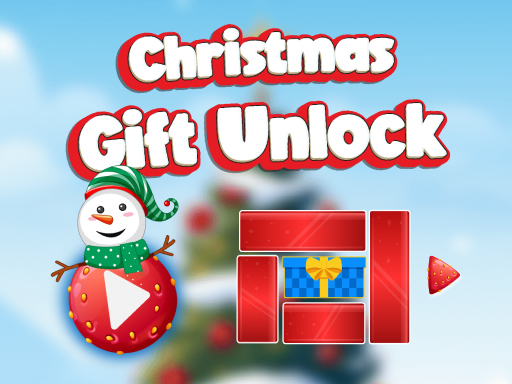
Dive into the joyful atmosphere with the charming Christmas Gift Unlock Game! Slide and plan your route through intricate puzzles to reveal the ultimate Christmas surprise. This game showcases vibrant holiday-themed visuals, an upbeat soundtrack, and increasingly difficult levels that keep players captivated. Ideal for the festive season, this brain-teasing game merges enjoyment and cognitive exercise. Players can relish smooth gameplay with user-friendly controls and an immersive Christmas setting. Whether you’re piecing together puzzles to pass the time or striving for a top score, the Christmas Gift Unlock Game is the perfect holiday indulgence for players o
On Desktop Utilize your mouse’s left button to click and hold on the red blocks. Drag the blocks either horizontally or vertically to clear the route for the gift box. Your objective is to slide the gift box out of the puzzle grid by cleverly maneuvering the blocks. On Mob -
Block Puzzle 2048 Game
Block Puzzle 2048 Game is a puzzle game that fuses 2048 and combined cubes. Merge the matching digits and the quantity of squares as needed. The higher the tier, the more challenging it becomes, demanding your creativity! Can you clear the stage without aids? Aids are restricted!
Utilize the mouse or touch the screen -
WinterWonder Symbol Merge
Dive into the fascinating realm of WinterWonder Symbol Merge, a joyful puzzle quest where your fingertips steer the cheerful unification of Christmas enchantment. Swipe and pair like tiles to reveal the delightful symbols concealed within the game. Engaging is simple: Swipe to link 2 or more matching symbols. However, be cautious that there are always potential matches, or you risk losing! Savor the delight of merging holiday elements, from snowflakes to jolly ornaments. Immerse yourself in the joyous challenge and let the festive unification commence in WinterWonder Symbol Merge!
Swipe to link 2 or more matching symbols -
Swipe and Clear
Swipe and Clear is a demanding and captivating puzzle game that challenges your tactical abilities! In each stage, you’ll encounter a grid filled with scattered vibrant blocks. Your objective is straightforward: drag and shift the blocks to establish combinations of 3 or more of the identical hue, causing them to vanish. But take heed! If even a solitary block of any color remains, the level will reset. Strategize each move meticulously to eliminate all the blocks and advance through 20 uniquely crafted stages. With intuitive gameplay and captivating puzzles, Swipe and Clear will keep your mind engaged and entertained for countless hours!
Drag and shift the blocks across the grid to form combinations of 3 or more of the same hue. -
Triple Tile Match Fever Game
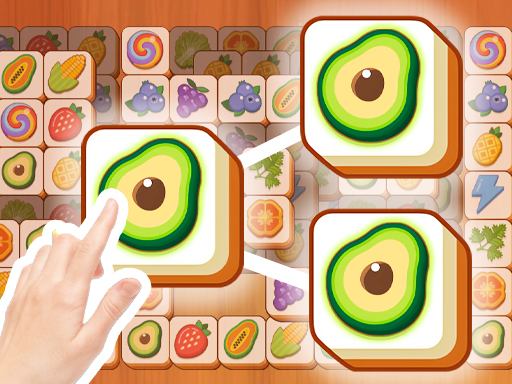
In the Triple Tile Match Fever Game, your objective is straightforward yet enchanting: align three or extra tiles to remove them from the grid. This intriguing tile-matching puzzle game will draw you into a realm of triple tile obstacles and mind-bending enjoyment.
Press or touch the tile to shift -
CubeCombo
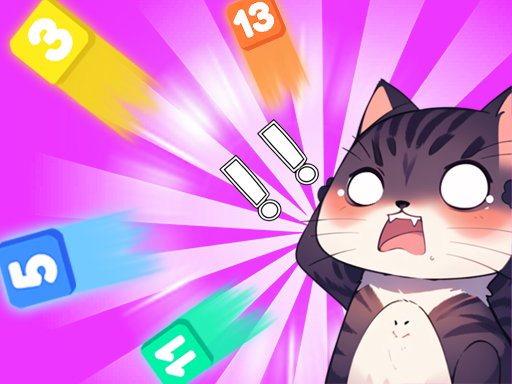
CubeCombo is an informal puzzle game. In this game, participants must employ their intelligence by shifting numbered blocks and combining identical blocks until just a single block remains, in order to accomplish the objective. When just one numbered block is present in the panel or the designated number block is created, the existing level is cleared and a new level is unlocked.
Click or tap with the mouse to begin playing -
Choco Blocks
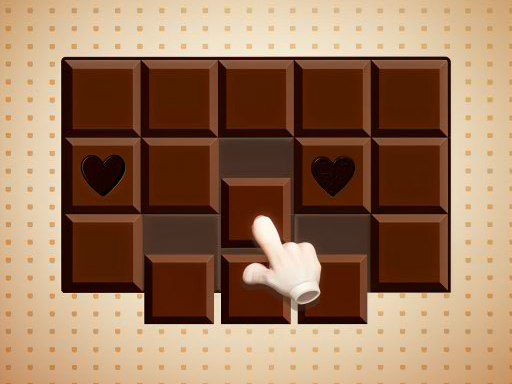
Enter the enchanting realm of Choco Blocks, a captivating puzzle quest where tactics intertwine with sweetness! In this engrossing game, your objective is to select and place groups of blocks to finalize rows. However, there’s a delightful twist: unique chocolate blocks are concealed within the rows, eager to be gathered. Your goal is to intelligently organize the blocks and collect all the particular choco blocks from the board before time expires.
To engage with Choco Blocks, utilize your mouse to click and drag blocks into position. On touch devices, simply tap and slide the blocks to arrange them as required.